Battle Station 5000
In 2015 I set out to build a home lab network. This post is the story of that lab through three versions, and of the learning it started, which took me from software engineering into SRE and cloud work. After deciding on components I placed the order, and soon packages showed up at my door.
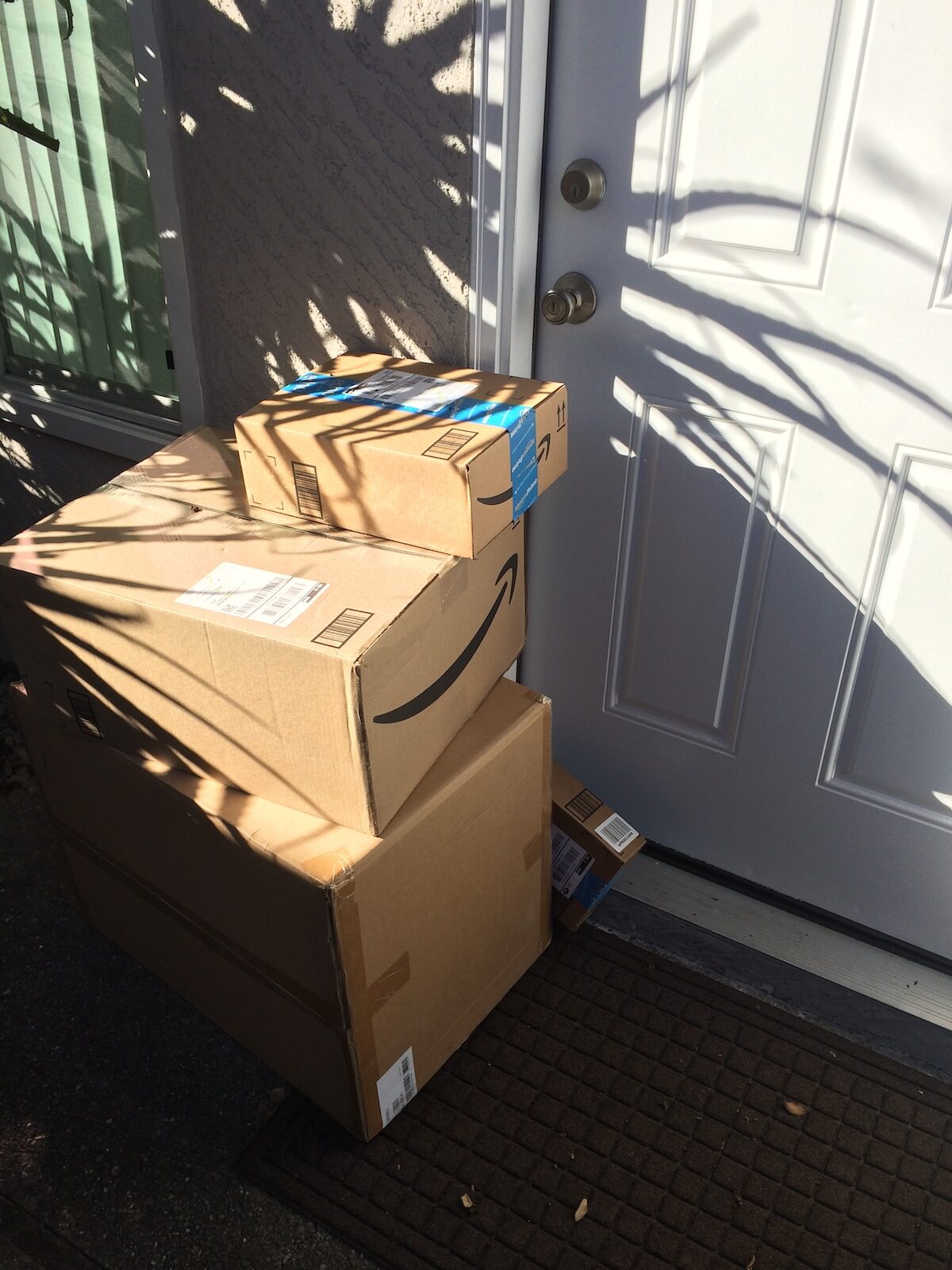
Parts begin showing up from Amazon
Version 1
Initial build — Mountain View, CA
The rack fit nicely atop the heavy duty stereo stand.
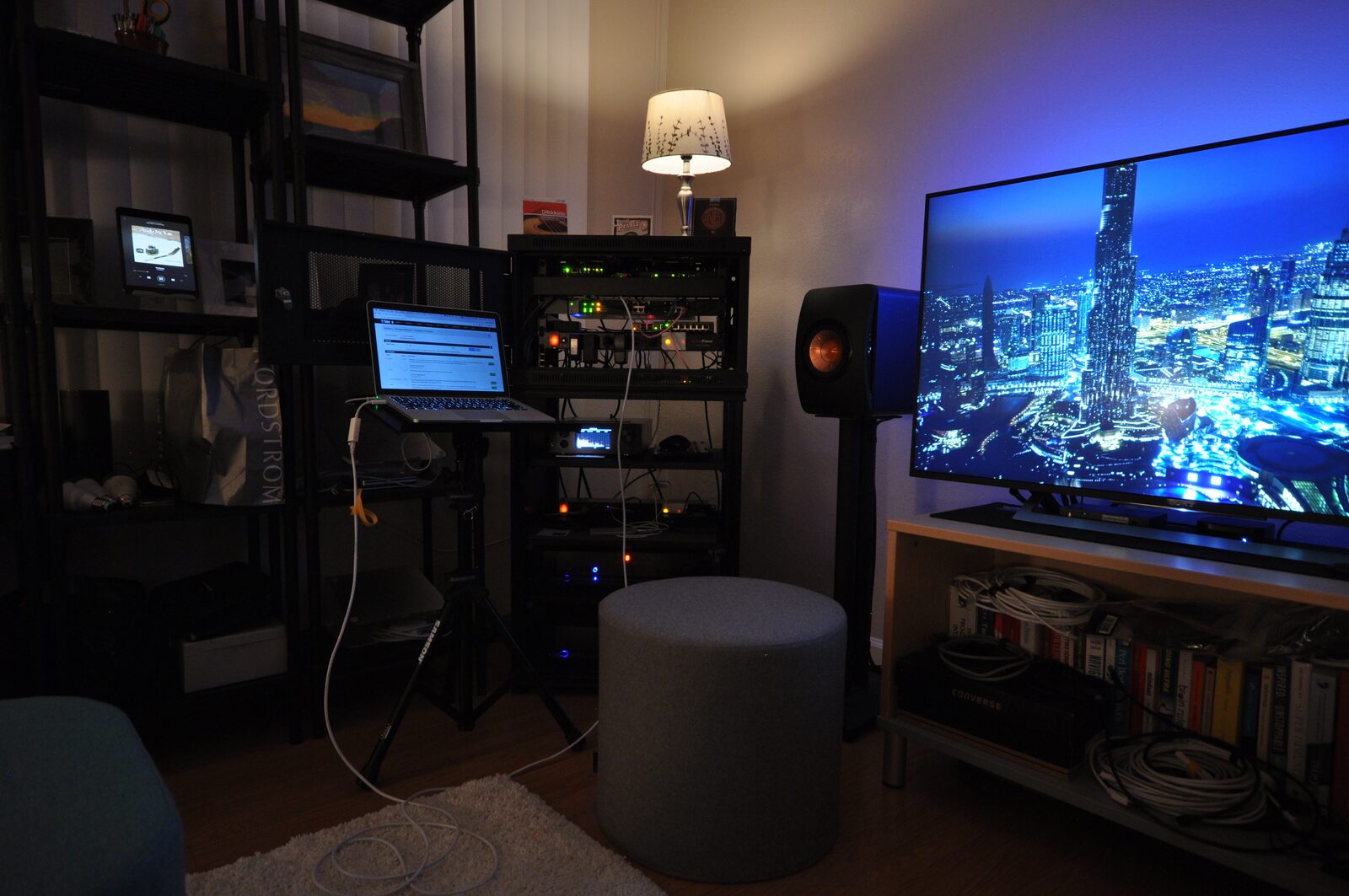
Network cabinet
Components list
- Network mini cabinet
- Power strip with surge protection
- Unmanaged PoE gigabit network switch
- Managed gigabit network switch
- pfSense hardware router, firewall and DNS
- Ubiquiti EdgeMAX router, firewall and DNS
- Ubiquiti PoE WiFi AP
- Philips Hue home automation hub
- Two Raspberry Pis
Closing front panel
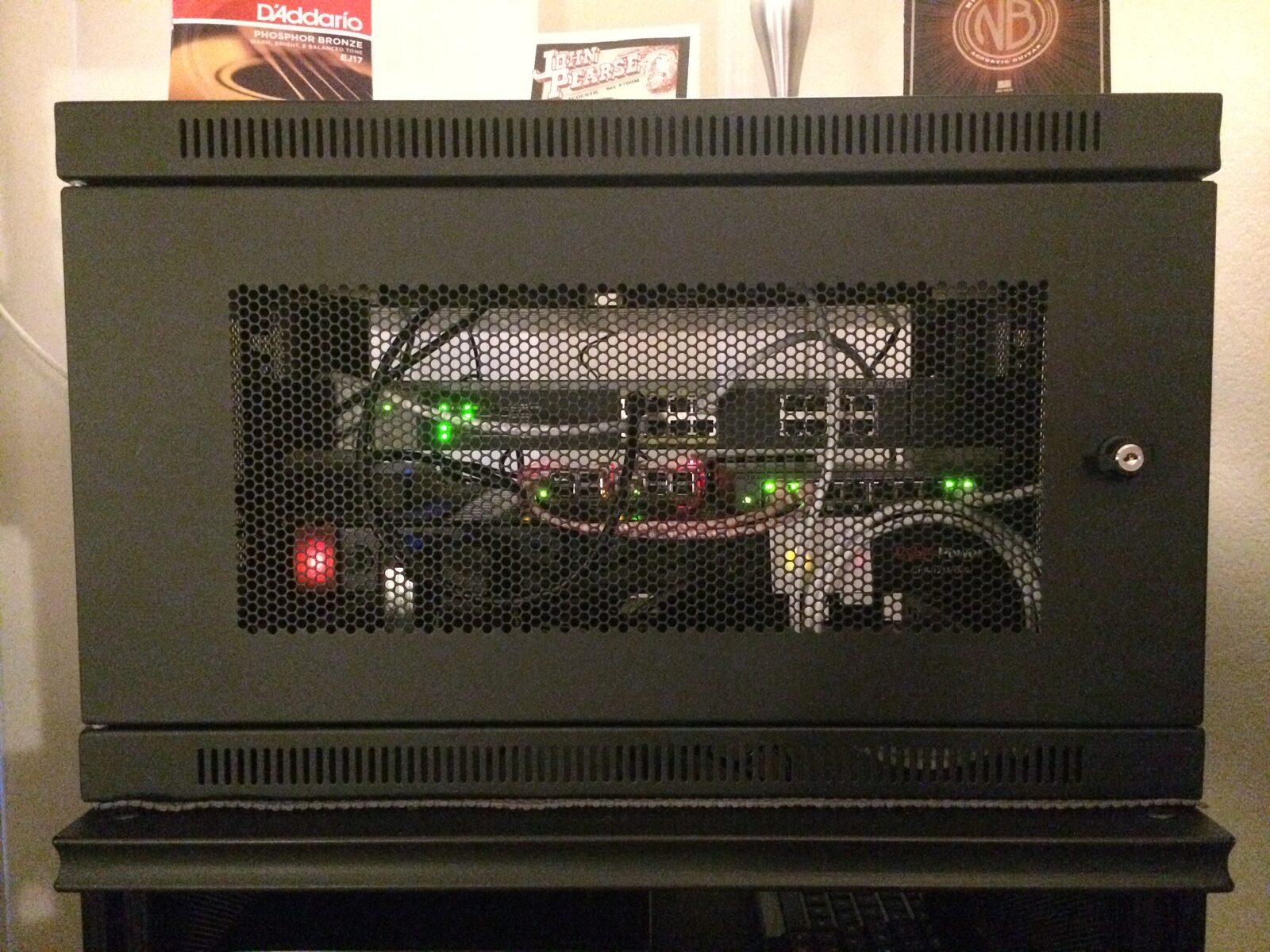
Closed cabinet
Raspberry Pis
The two Raspberry Pis usually reached the main network over a wireless Ethernet bridge, and sometimes were wired straight into the switch.
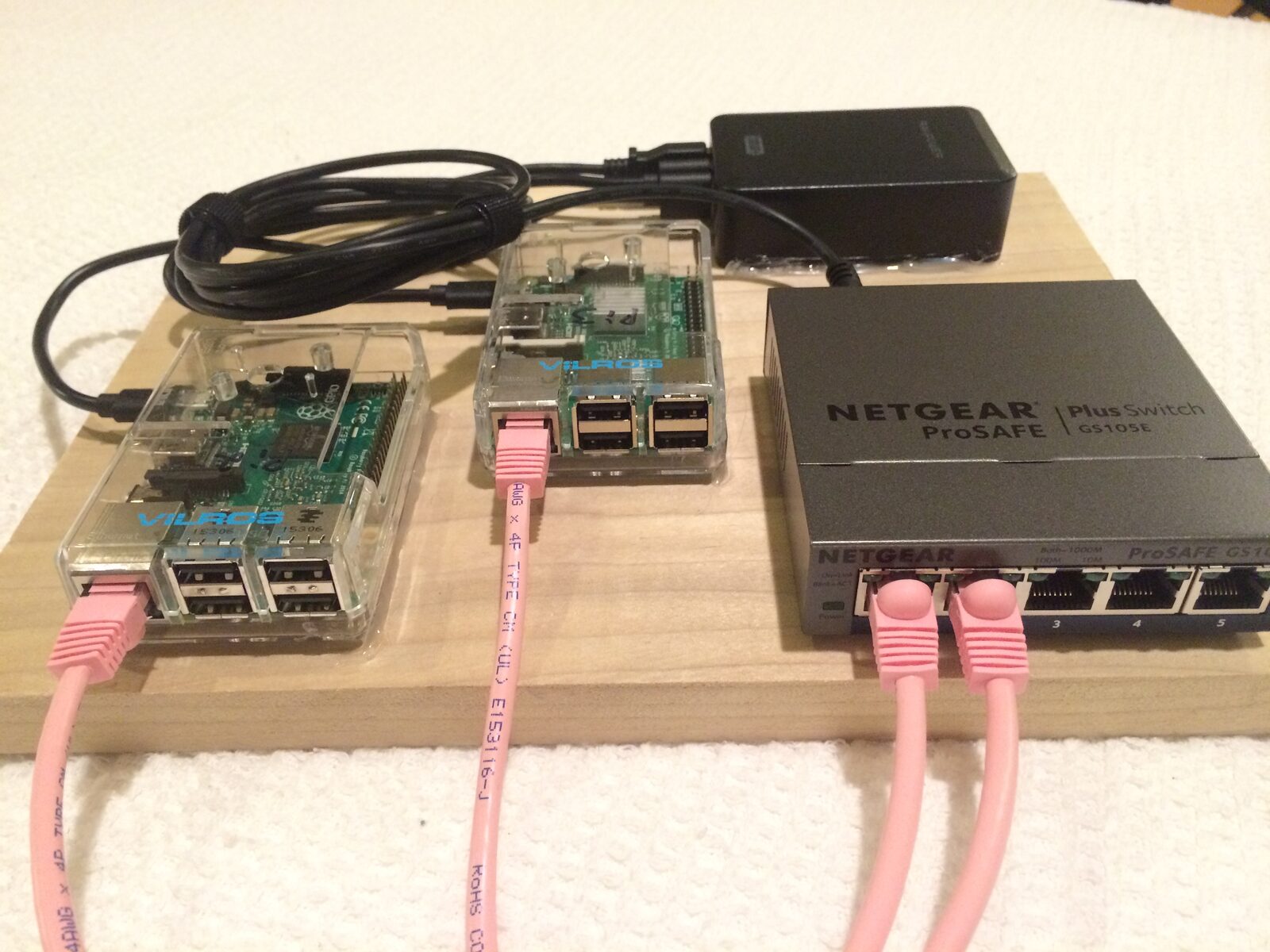
First Raspberry Pi configuration
pfSense box
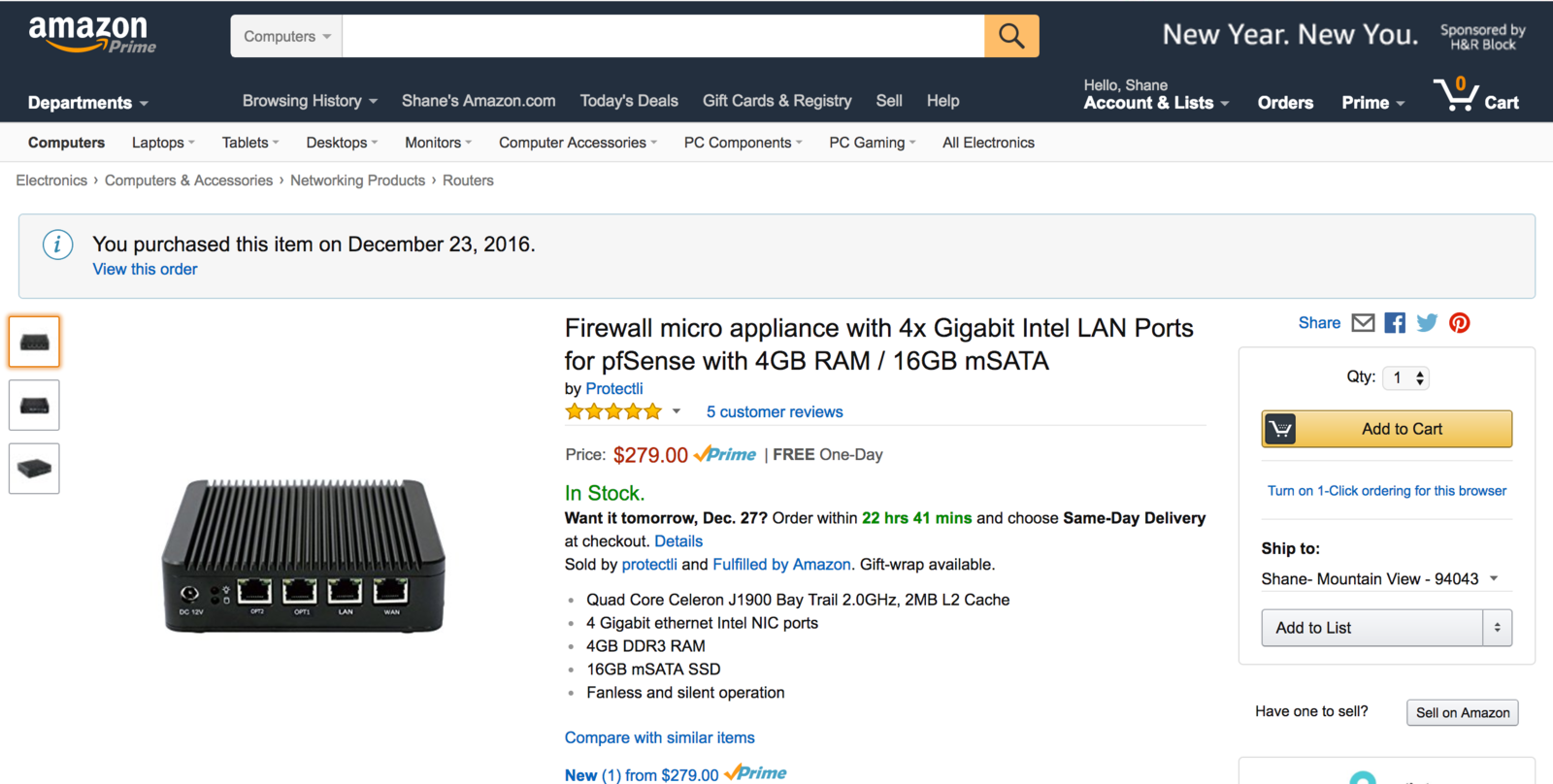
pfSense 4x Gigabit Intel LAN Ports
Version 2
Adding compute and storage
After moving to San Francisco in 2018 I built version 2 using an open frame mini rack.
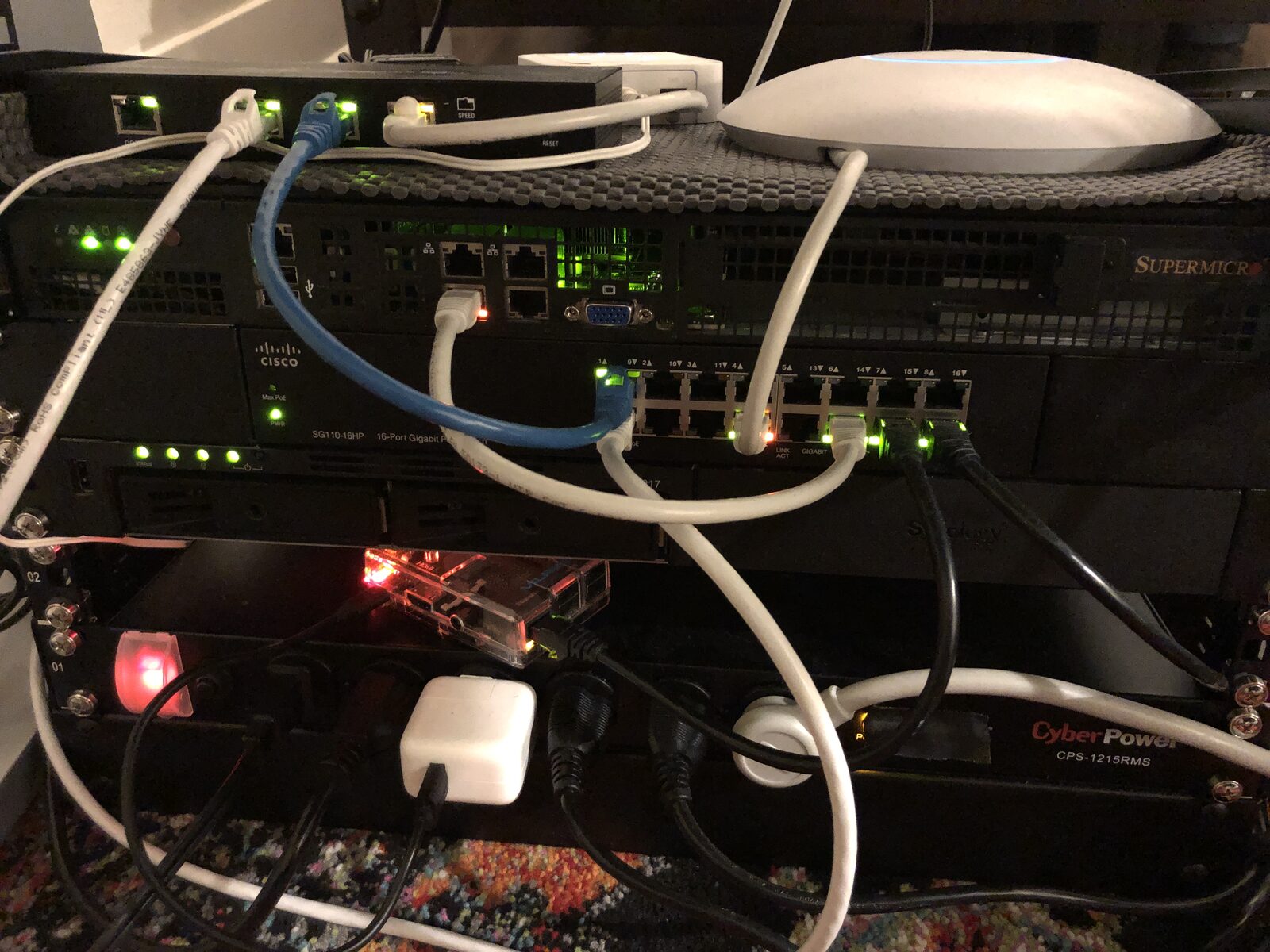
Open Mini Rack
Changes
- New open rack with smaller footprint
- Added SuperMicro Atom 8-core 32GB server running ProxMox
- Added Synology NAS for VM images and virtual block storage
- Moved the Pis inside the cabinet
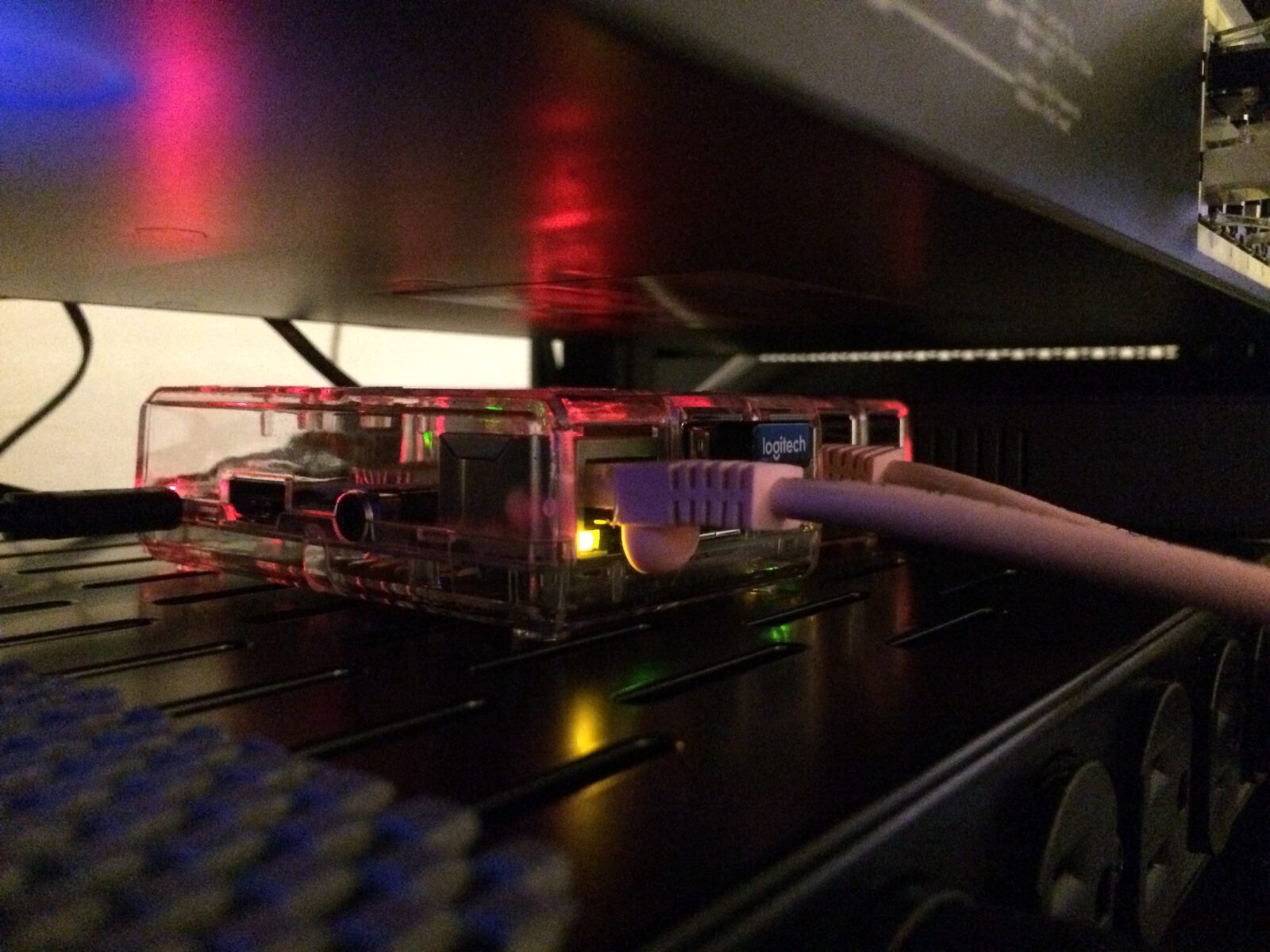
Raspberry Pis moved to cabinet
The EdgeMAX router was easy to use. The interface is simple, and the price for the performance was hard to beat.
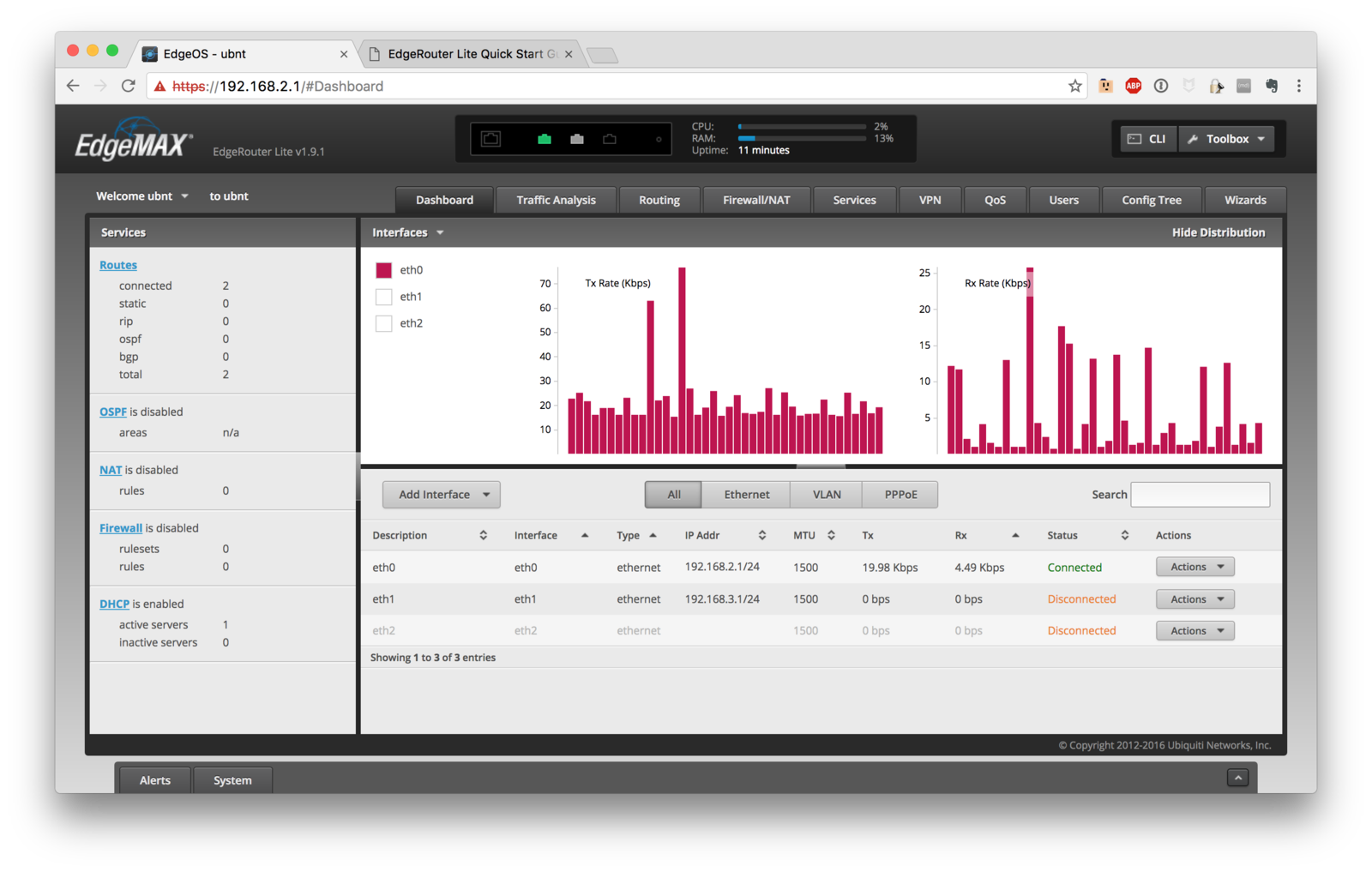
EdgeMAX Router
The NetGear managed switch moved packets just fine. Its web interface moved at a different pace, as if every click were being hand-delivered.
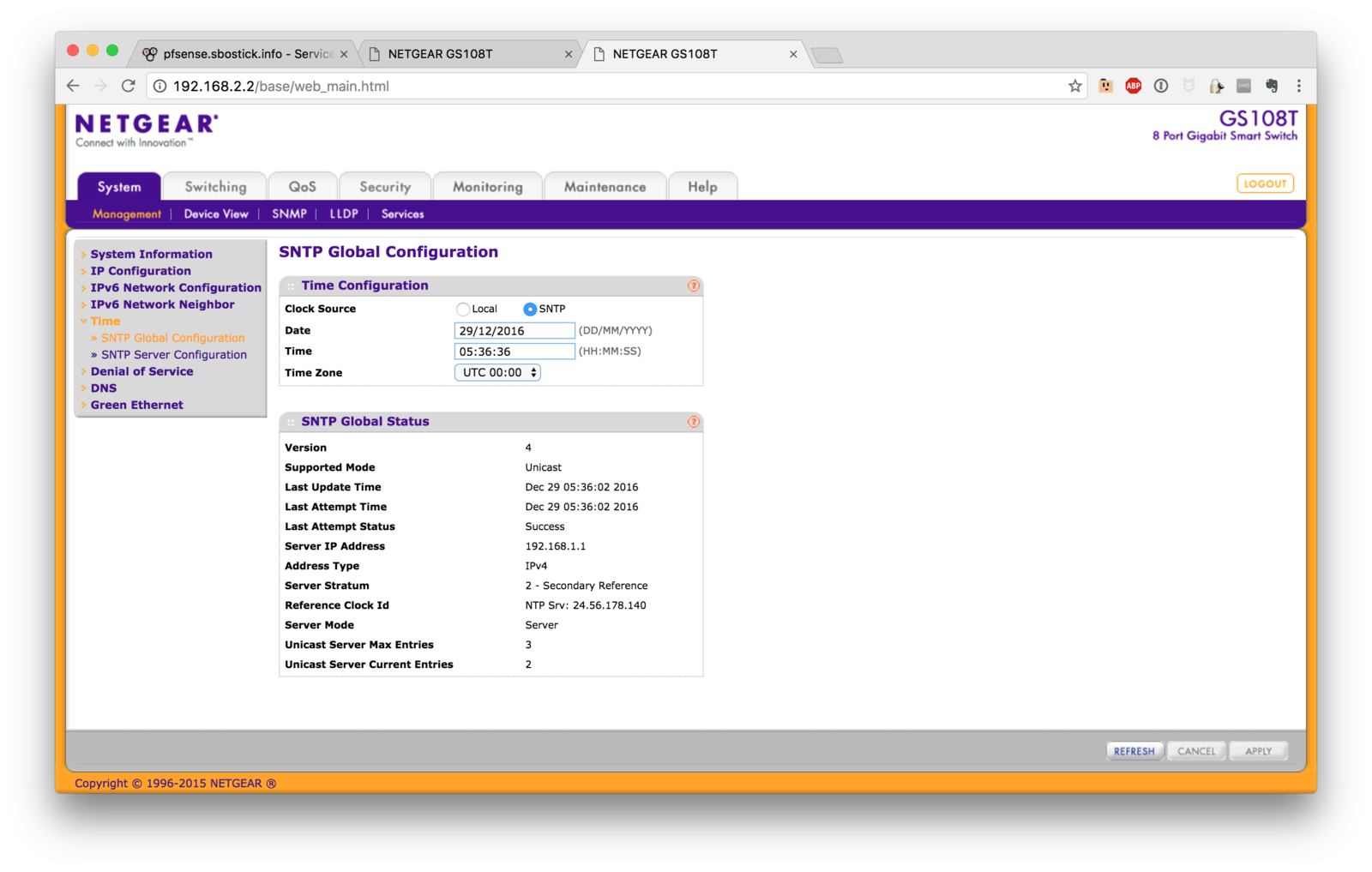
NetGear Switch
pfSense ran the edge on the Celeron J1900 mini PC: firewall, NAT, DHCP and DNS for the LAN and two more segments, with Snort watching the WAN. A Netgate SG-1000 sat in the rack beside it, running the same software on ARM.
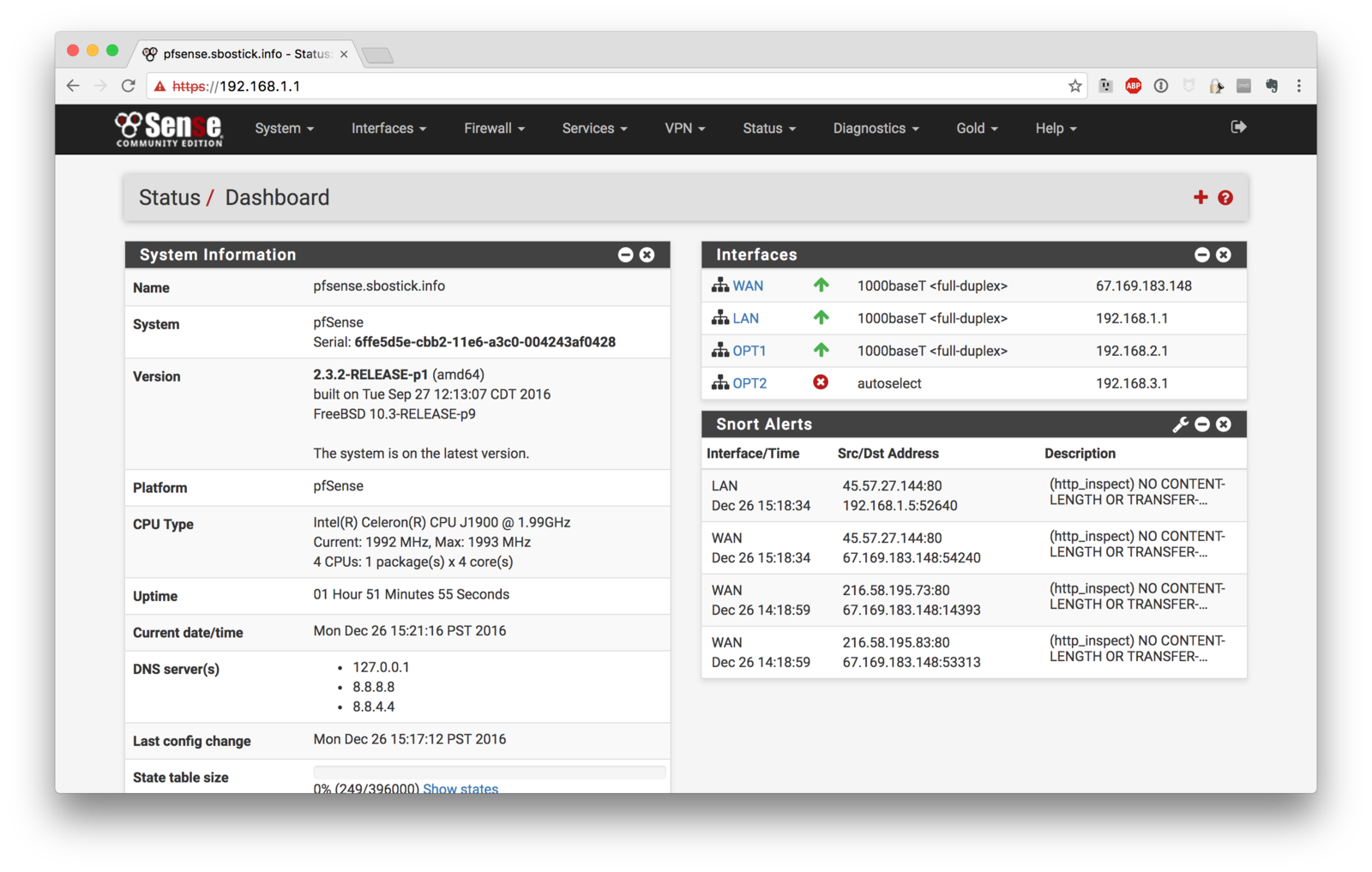
pfSense dashboard: four interfaces up, Snort alerts on the WAN
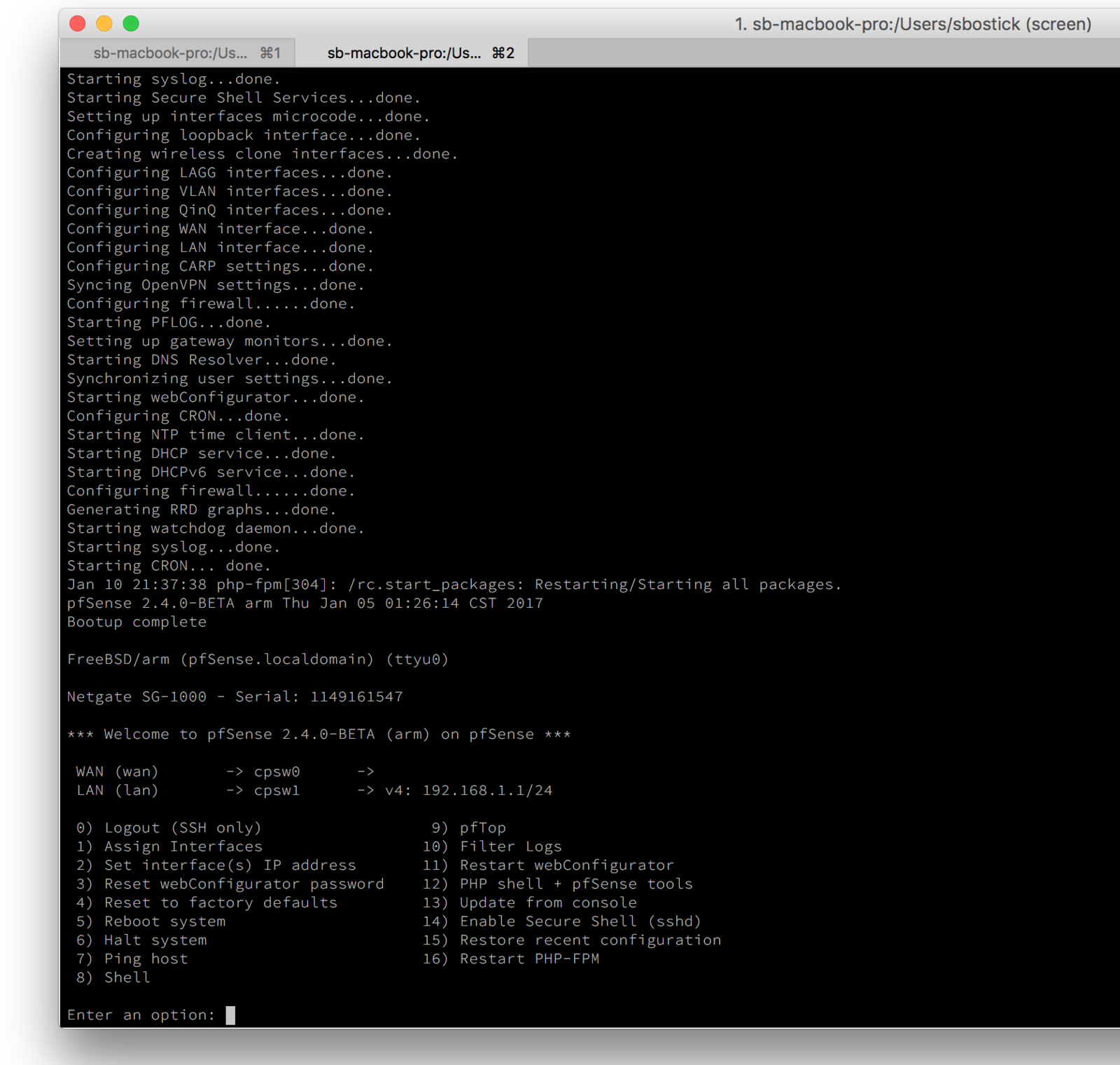
Console menu on a Netgate SG-1000, running a pfSense 2.4 beta on ARM
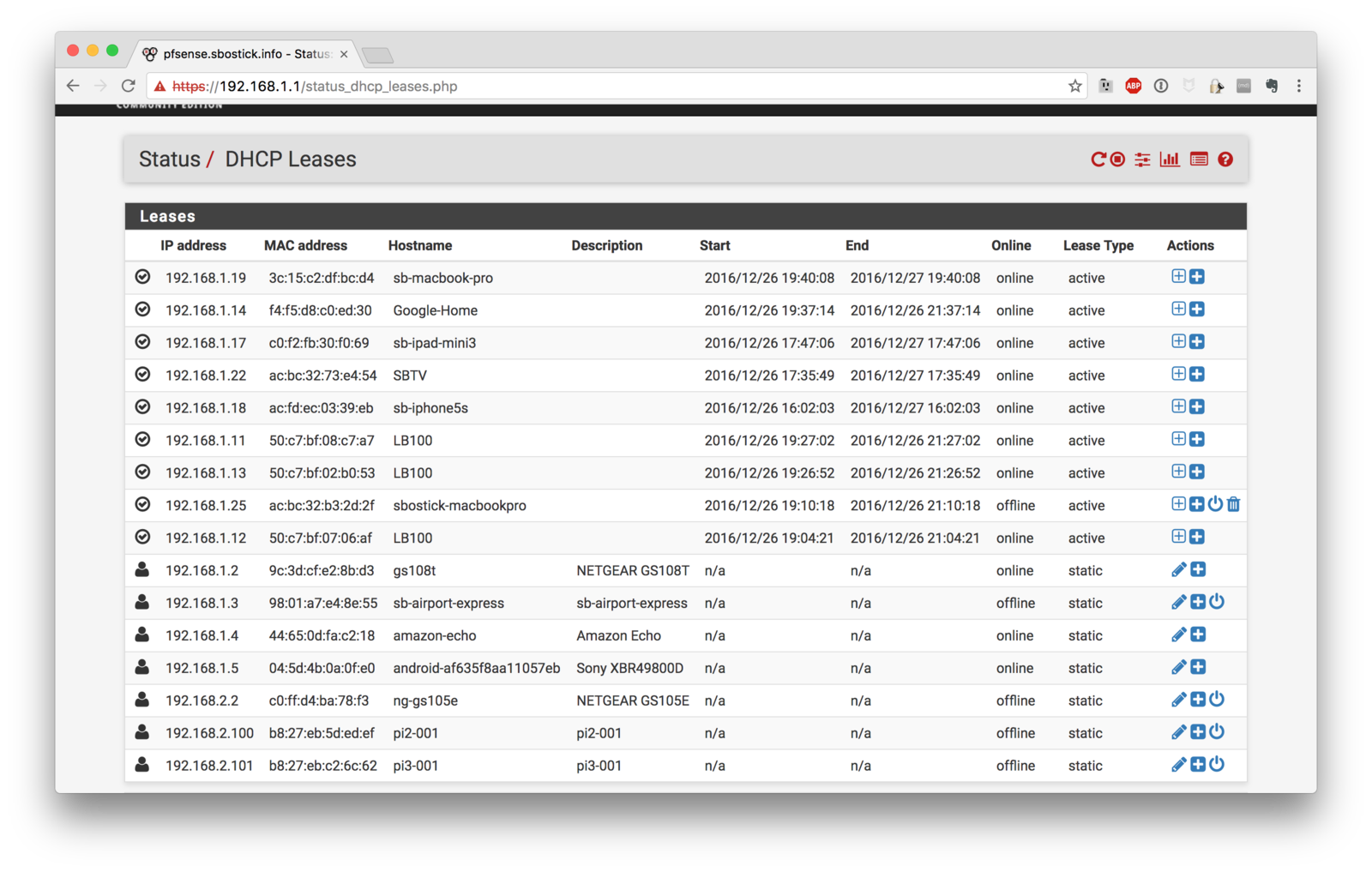
DHCP leases: every device in the apartment, Pis on their own segment
The SuperMicro server ran ProxMox, carved into six VMs.
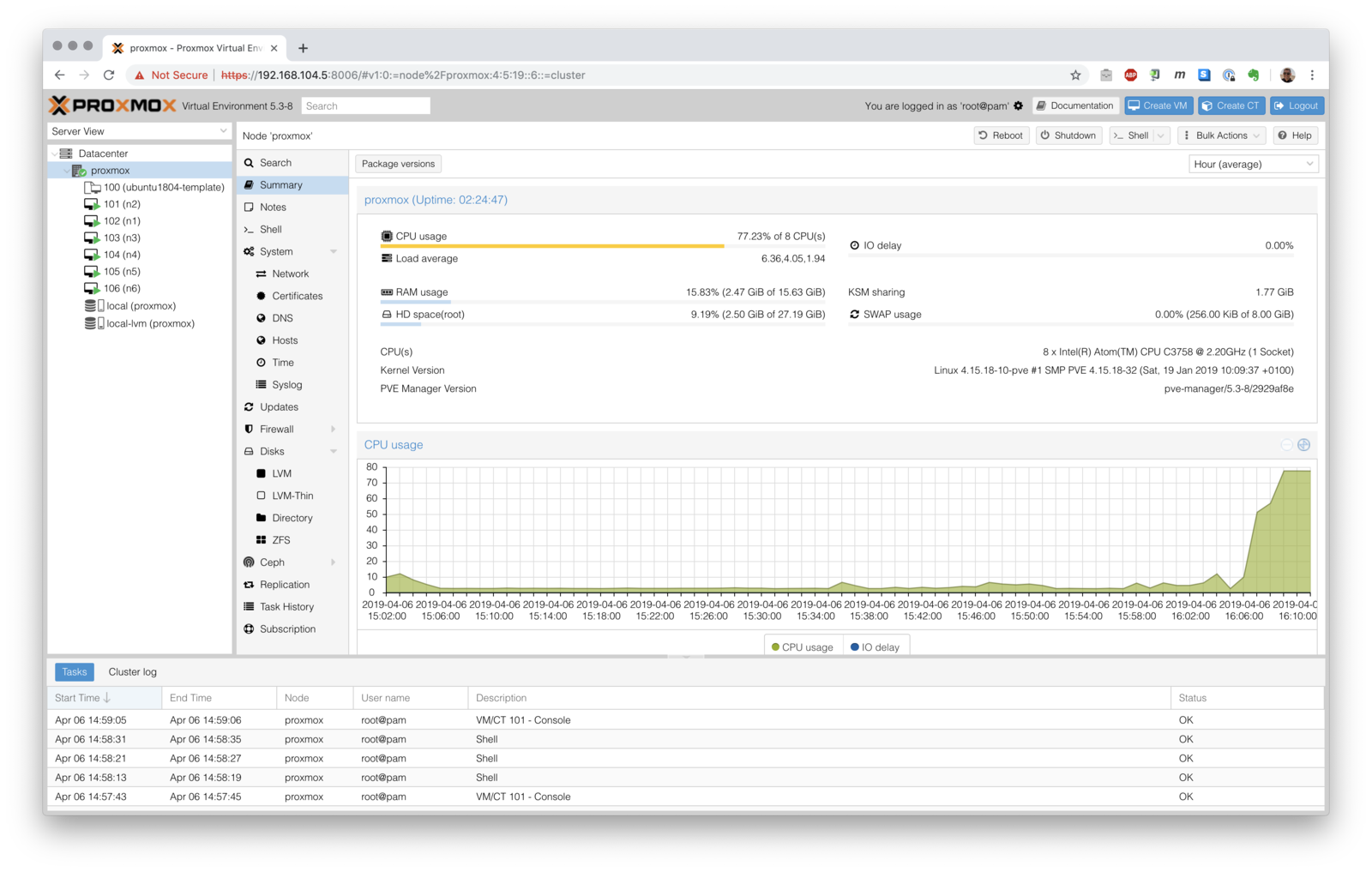
ProxMox on the Atom C3758: six VMs cloned from one Ubuntu template
Two Synology units handled storage: the rackmount RS217 for VM images and iSCSI block storage for ProxMox, and a desktop DS218+ with two 6 TB drives in a hybrid RAID on Btrfs.
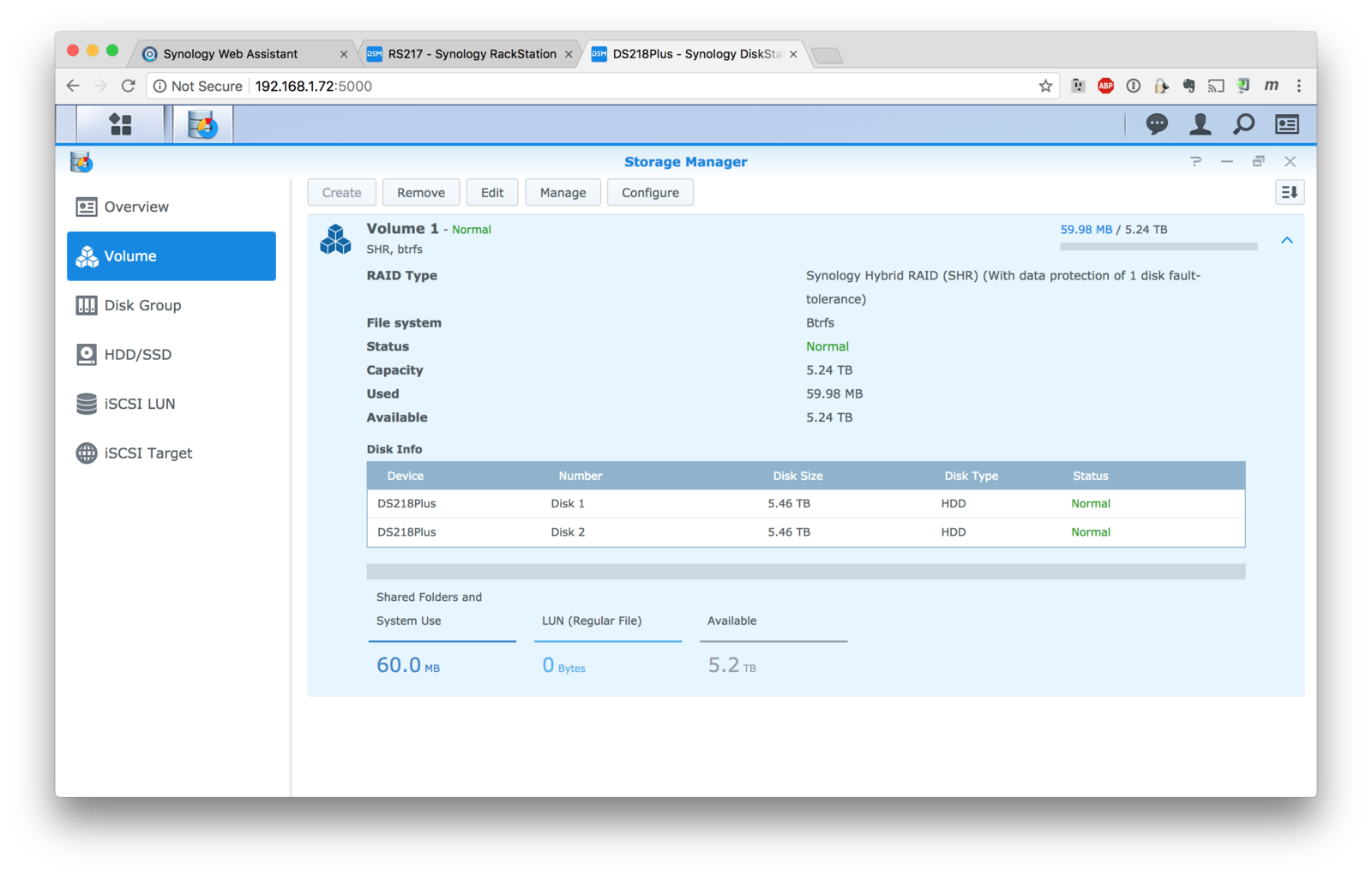
DS218+ storage manager: 5.2 TB usable, one-disk fault tolerance
A UniFi AP-AC-Pro handled wireless. The UniFi controller’s RF scan and a WiFi Explorer sweep from a laptop told the same story: twenty-odd networks in range, the 2.4 GHz band stacked with neighbors and Xfinity hotspots, and 5 GHz almost empty. The lab’s SSID went on 5 GHz at 40 MHz wide, and the 2.4 GHz radio stayed on for the devices that couldn’t do better.
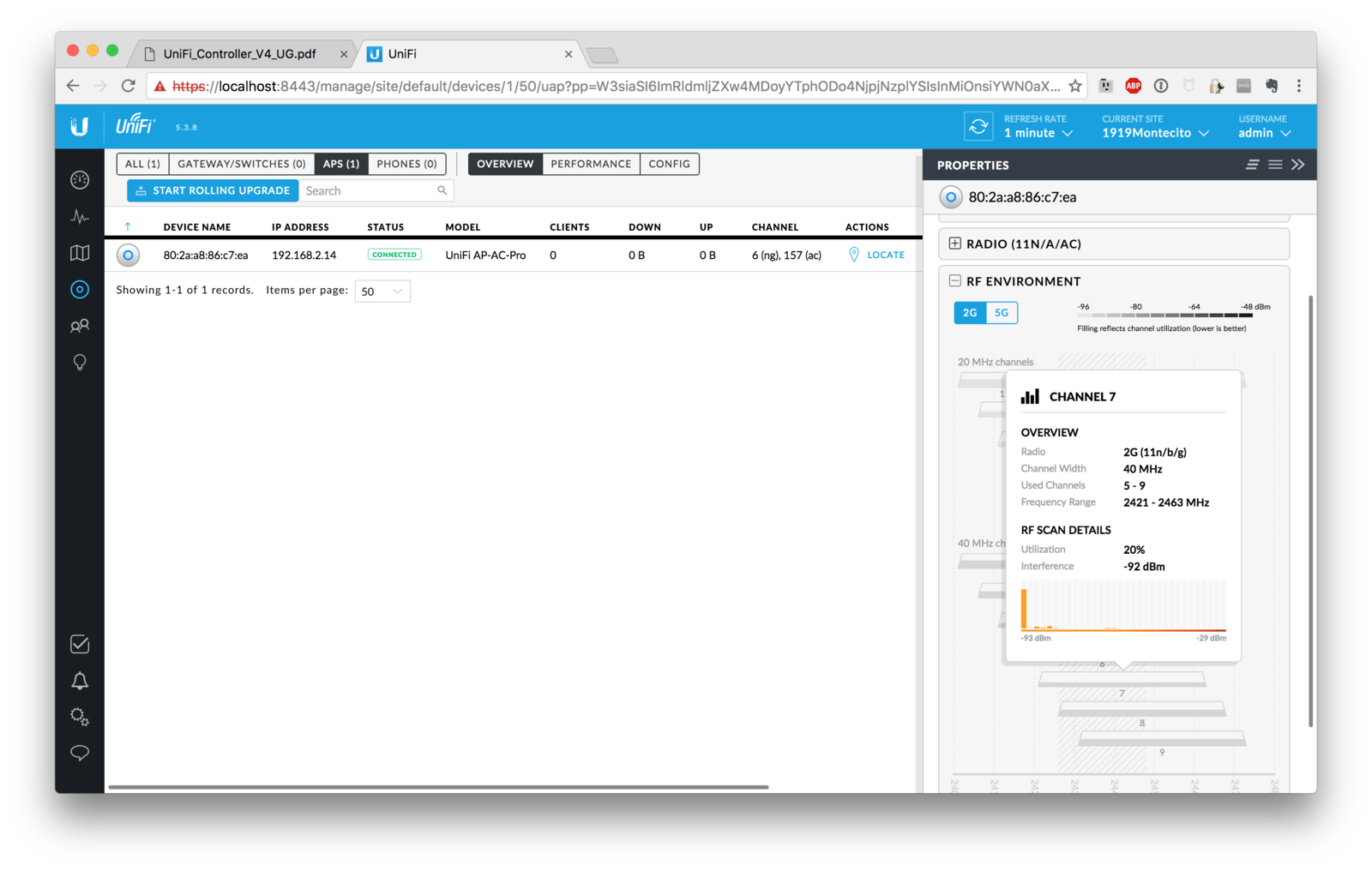
UniFi controller: the AP-AC-Pro’s RF scan of the 2.4 GHz band
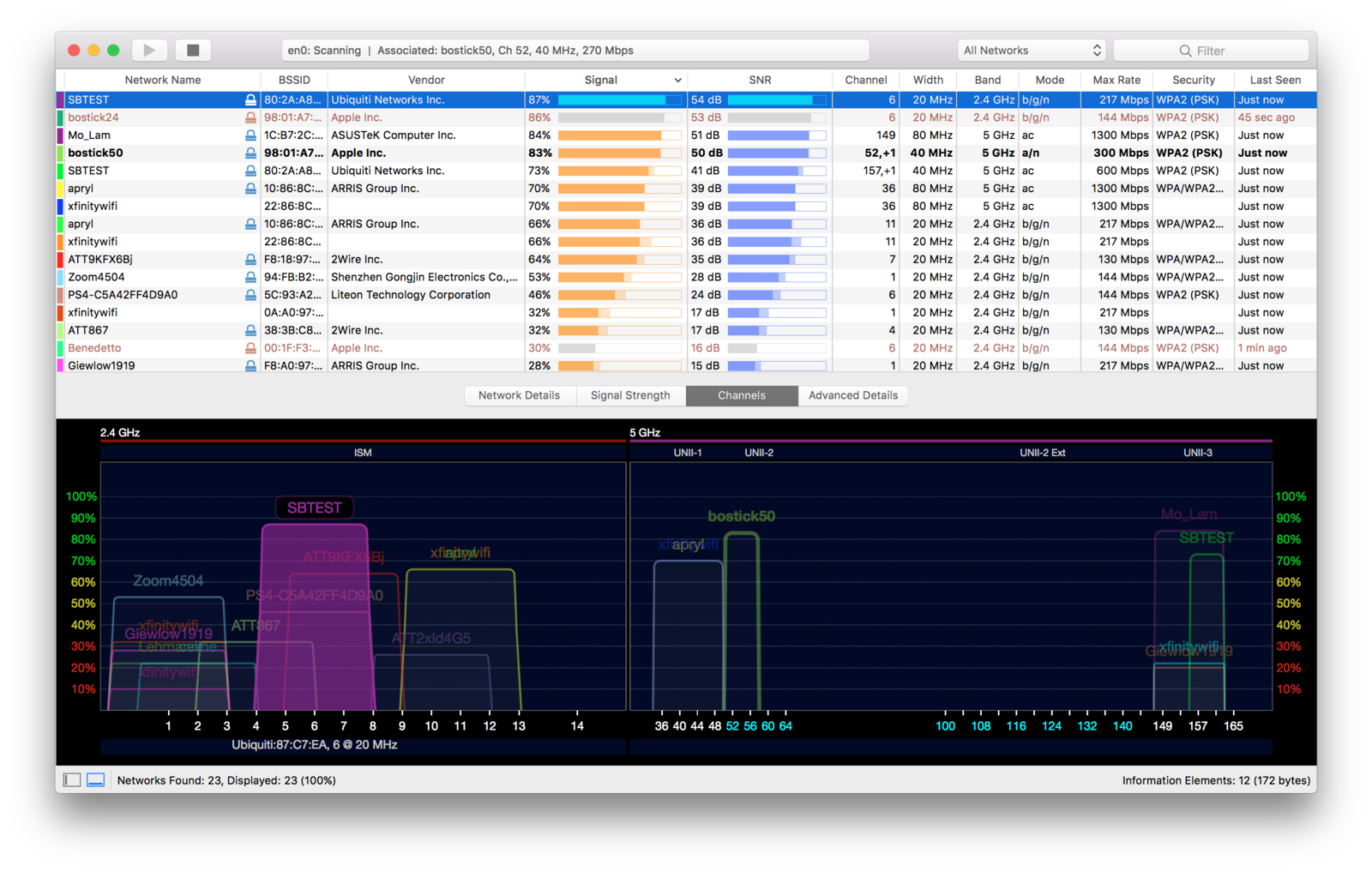
WiFi Explorer: 23 networks in range, 5 GHz wide open
Version 3
Migrating to the cloud
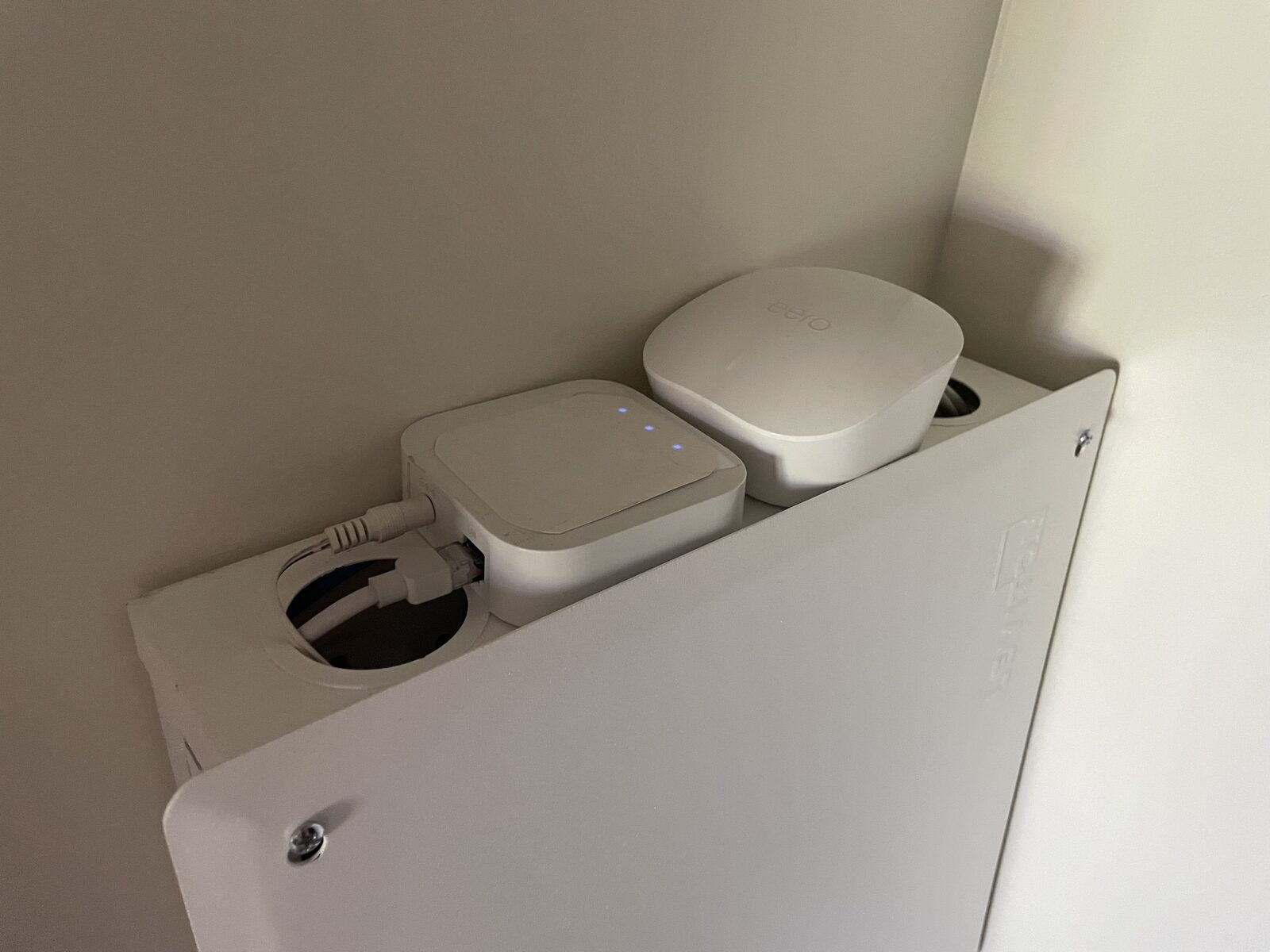
In 2021 I donated all the network gear and downsized to an Amazon Eero and Philips Hue Hub. Every other device in my home is wireless. I began reworking my previous projects in the cloud, which is where Core Infra picks up the story.
The entirety of my home networking gear
Home Network 2023