Yaesu FT-891 Powerpole Conversion
The FT-891 ships with a Molex power connector. An open source conversion replaces it with a pair of Anderson Powerpoles held in a 3D-printed housing that drops into the radio’s connector cutout. Short heavy-gauge leads with ring terminals connect the Powerpoles to the radio’s internal power terminals. Once converted, the radio plugs straight into the same Powerpole distribution as the rest of my gear.
I ordered a printed housing rather than printing one, and made the power leads myself. You can also buy pre-made leads with the housing, or do the whole thing for free if you have a 3D printer.
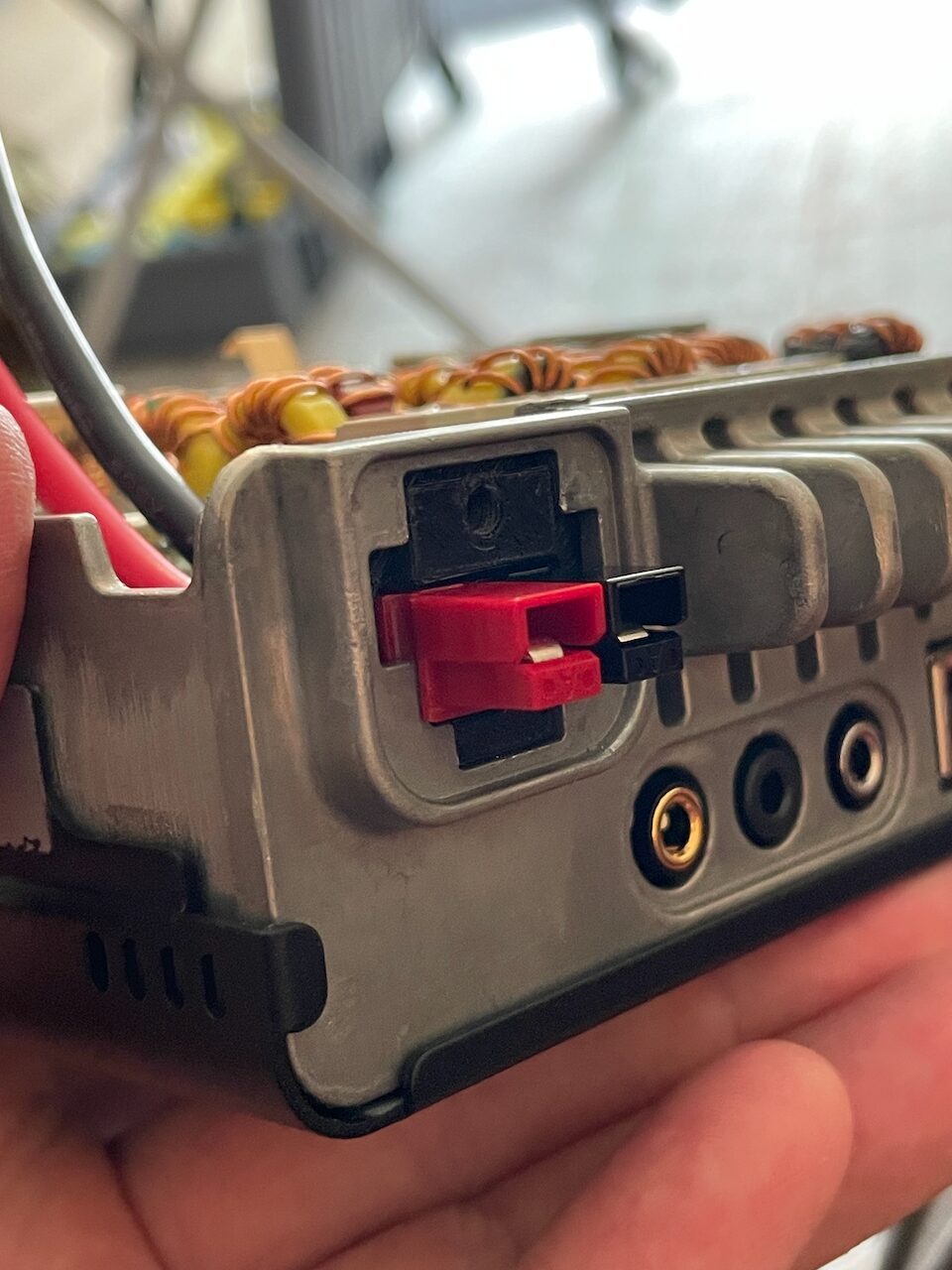
Dry fit of the Powerpoles in the factory connector cutout
Third time’s the charm
It took three tries to get the leads right.
- Too short. I didn’t realize the Powerpoles slide down into the housing to lock into the cutout. The leads came out about 1/8" short, and heavy-gauge wire leaves nothing to spare in length or flex.
- Bad crimp. I crimped the ring terminal too close to its end. The crimp was poor, and the crimper pulled the heat-shrink insulator forward and damaged it. The fix was to strip the wire back another 1/16" and position the crimper closer to the wire inlet, so the crimp can’t slide forward off the front of the terminal.
- Good. Then the terminal screws and the radio cover went back on.
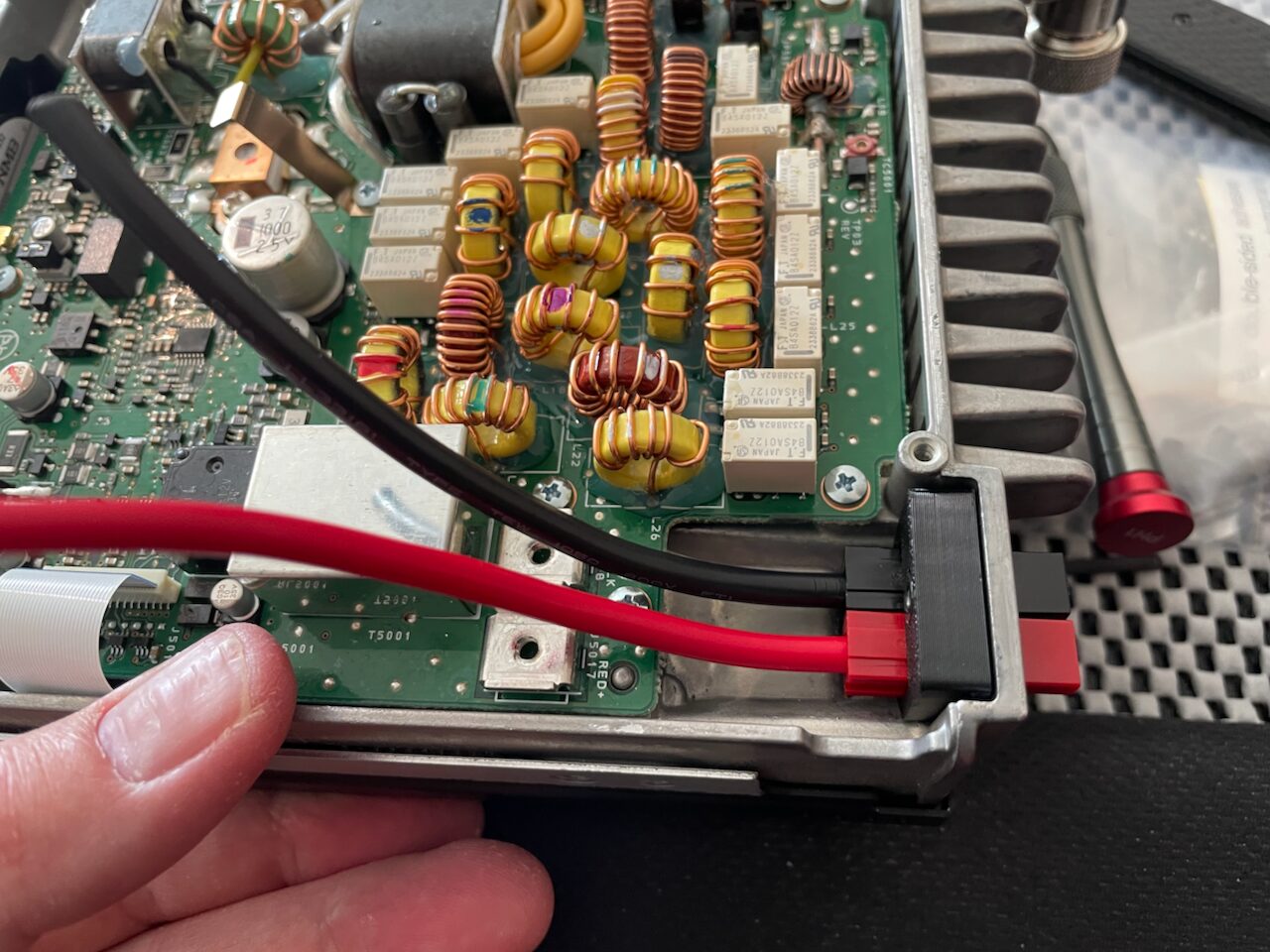
Leads routed into the housing
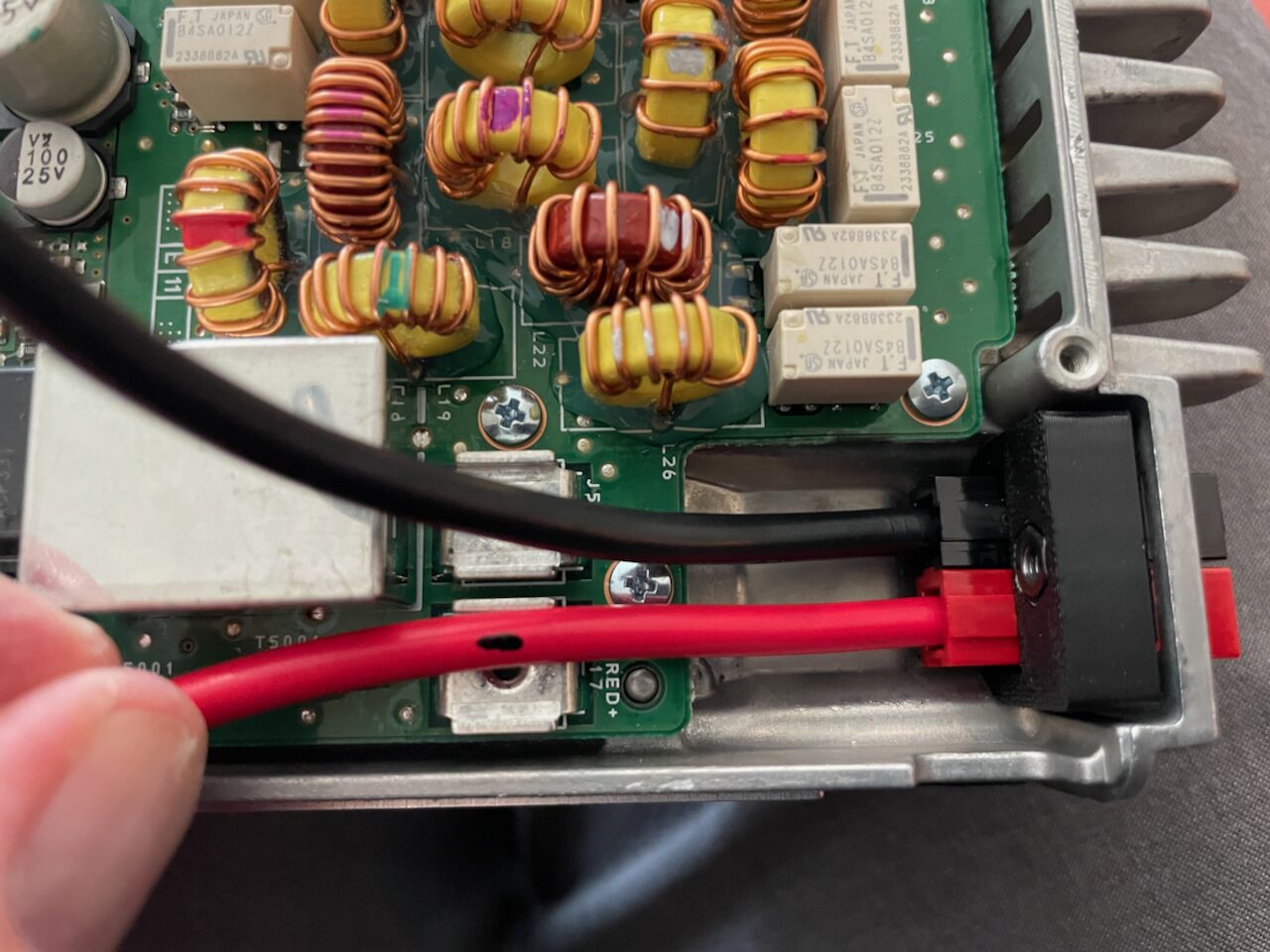
Marking the cut point on the positive lead
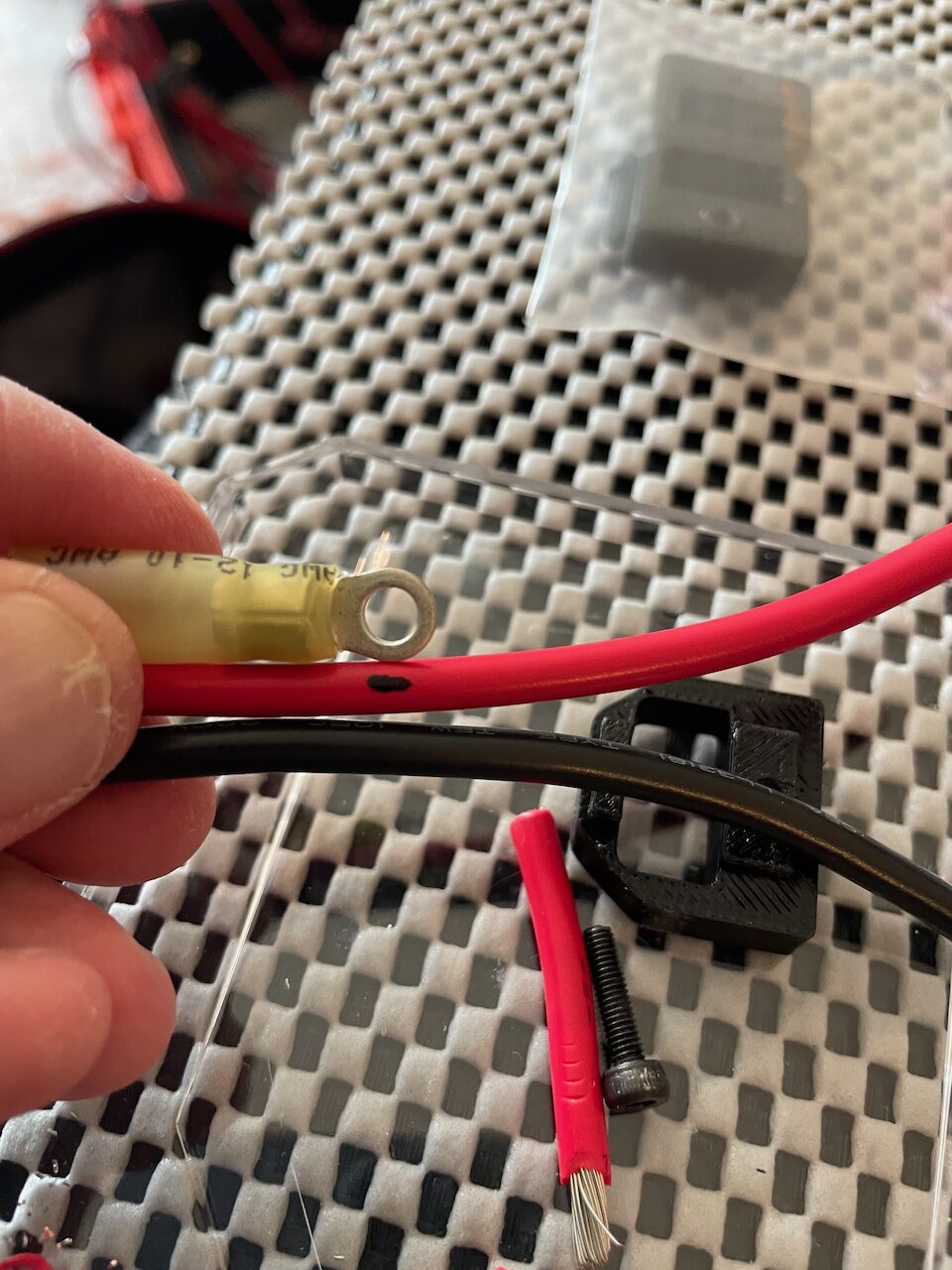
12–10 AWG ring terminal, printed housing and mounting screw
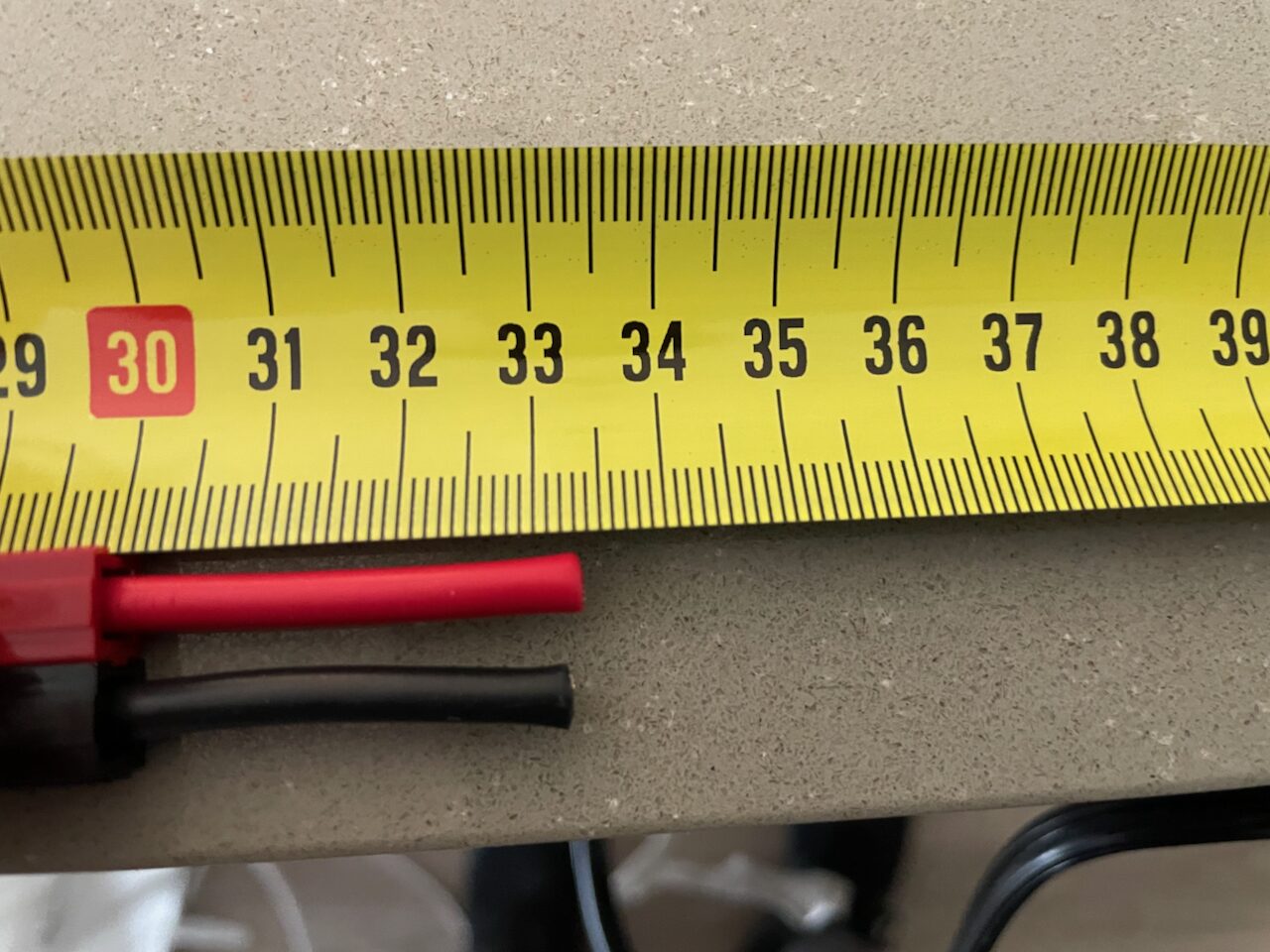
Measuring lead length
Done
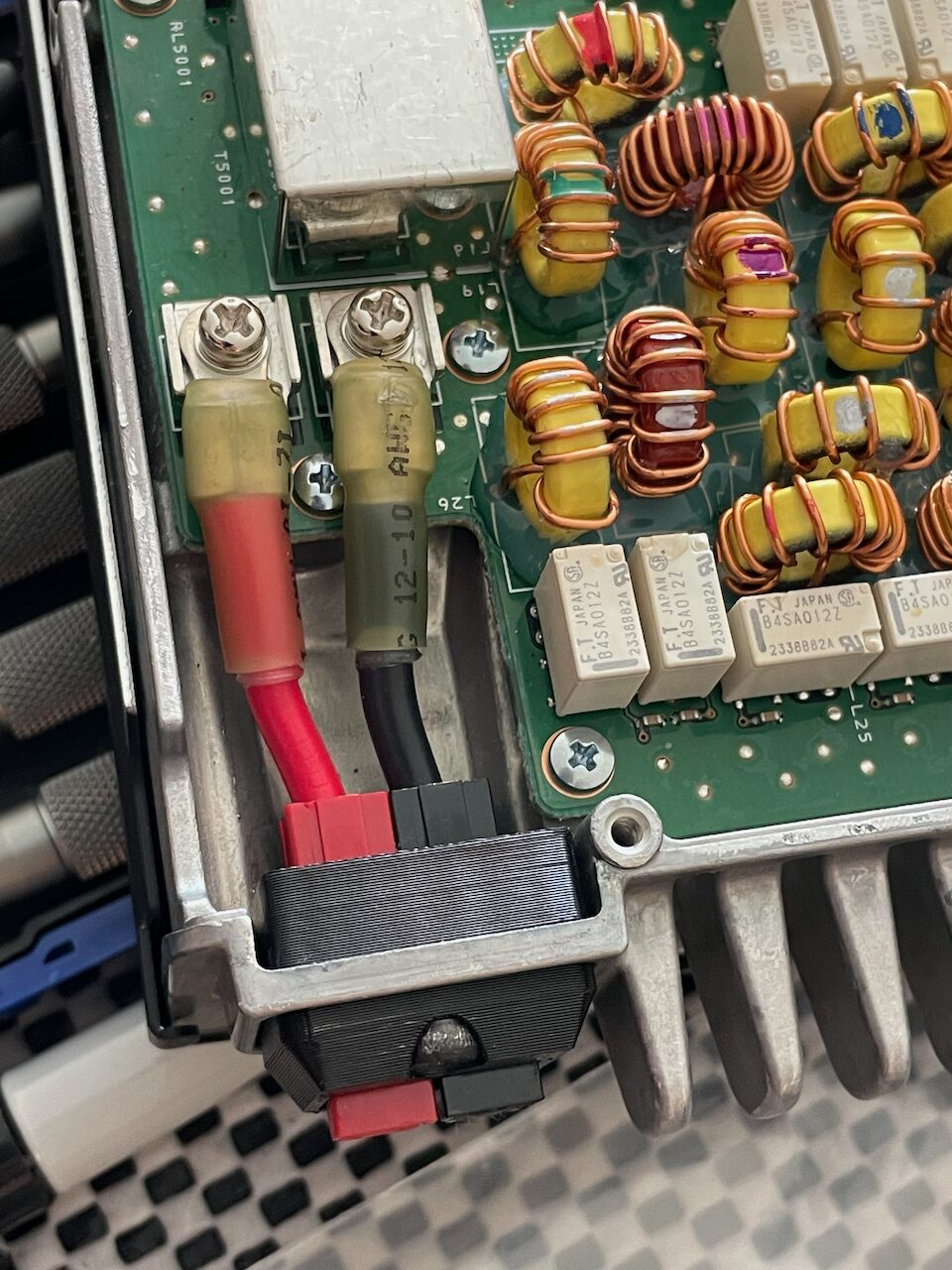
Ring terminals on the power terminals, housing seated
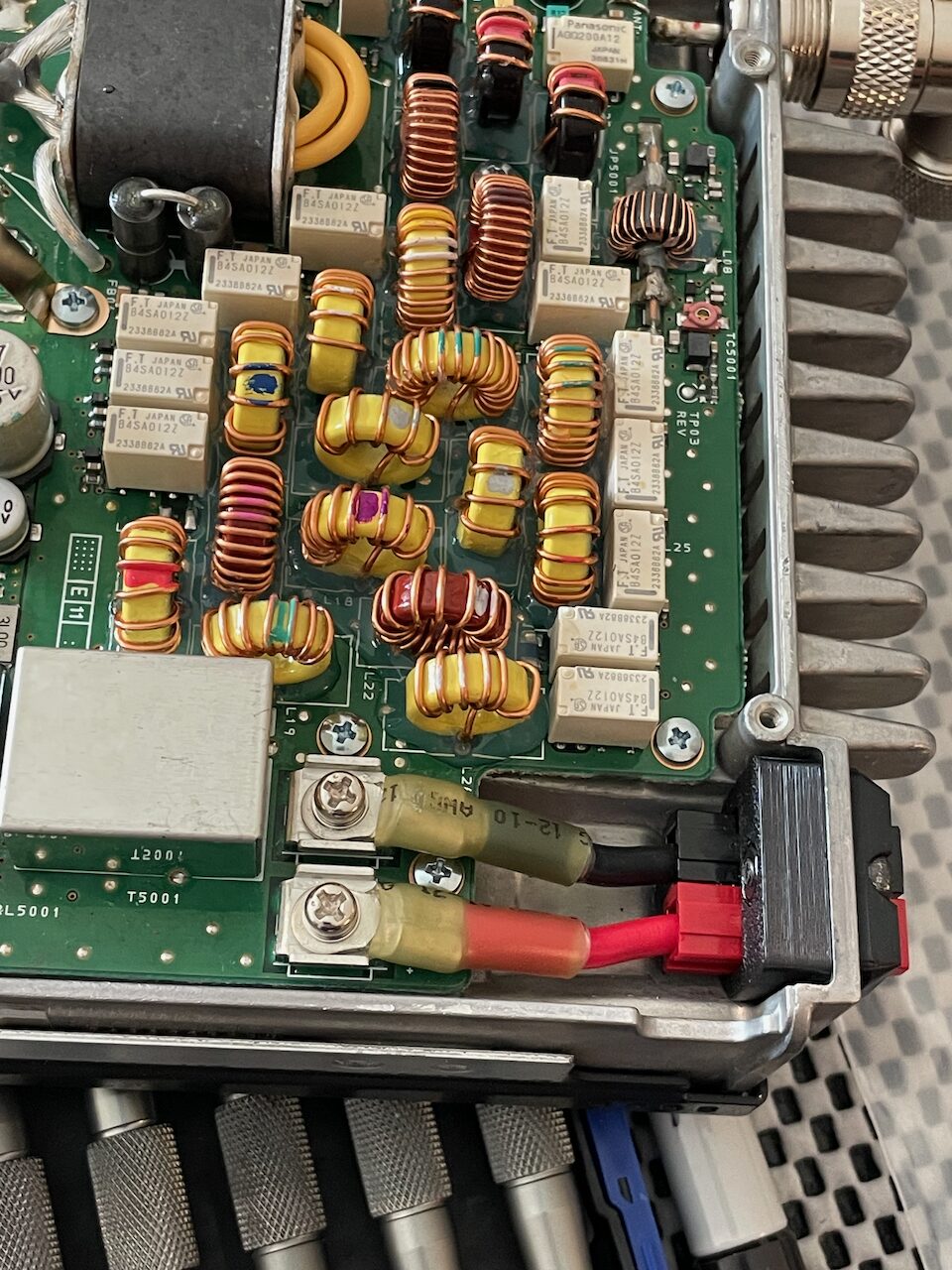
Finished wiring
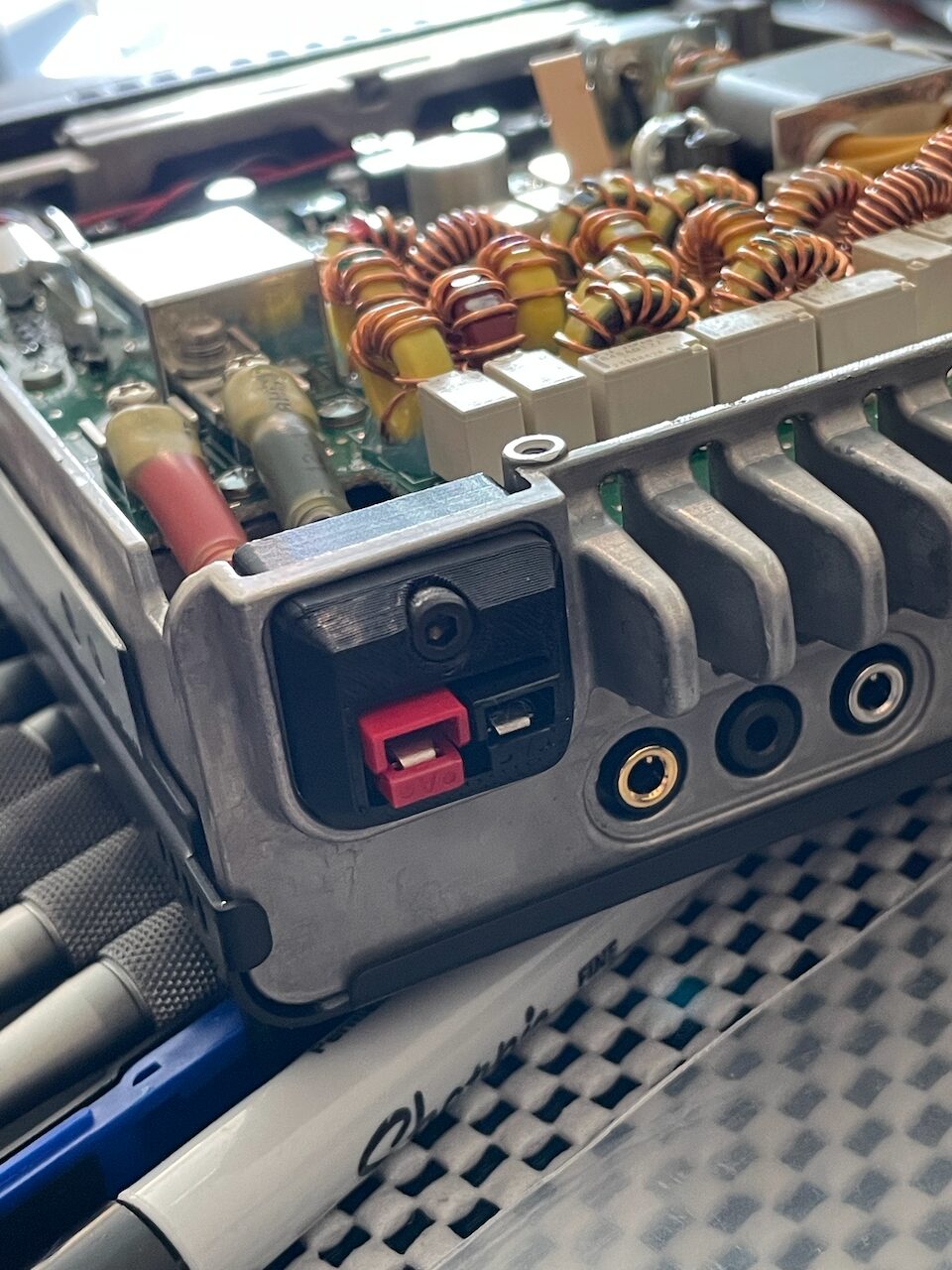
Powerpoles in the housing, from the outside
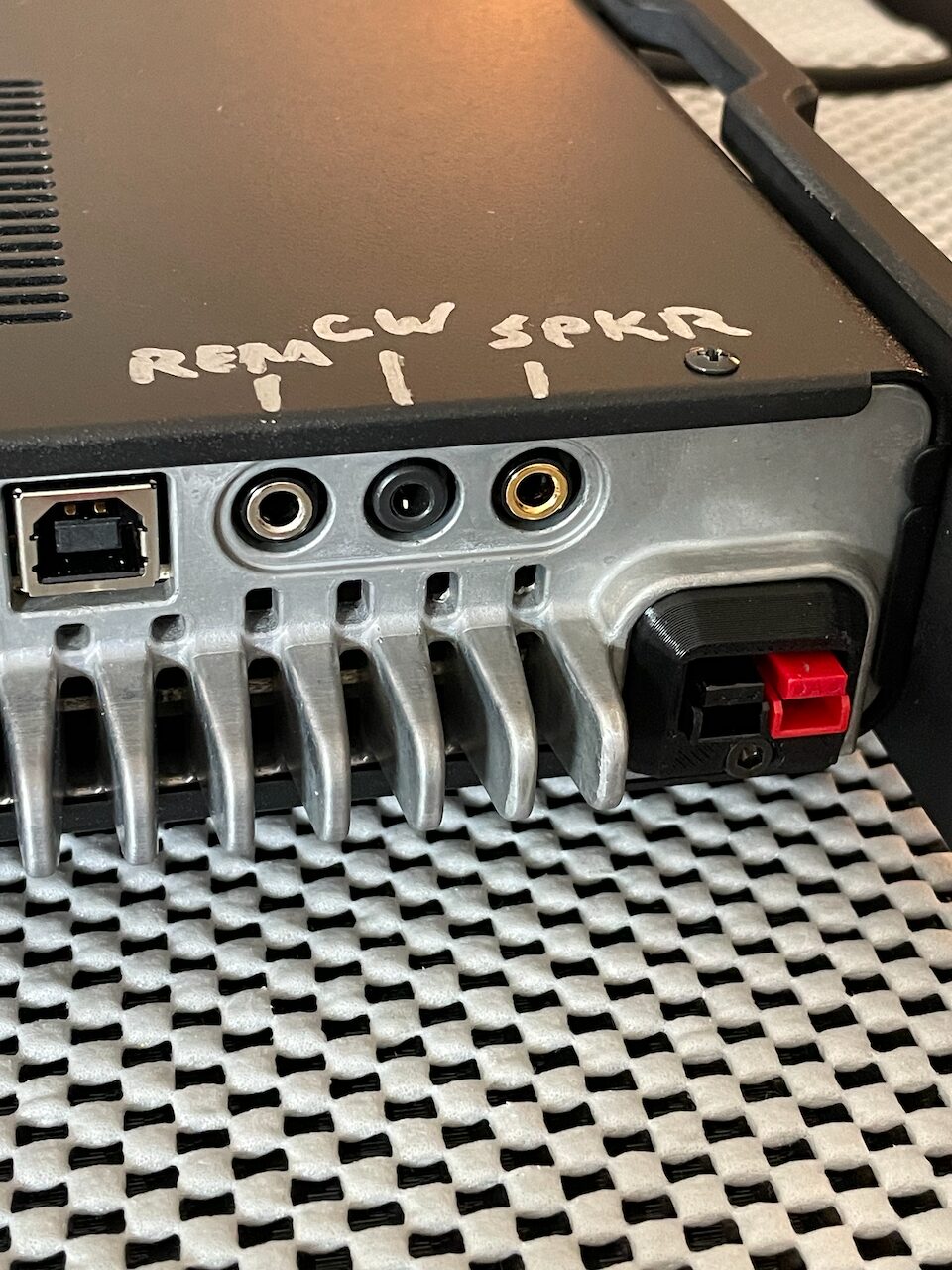
Cover back on
References
Project and 3D model:
- N0BOY/FT891_powerpole on GitHub
- Yaesu FT-891 Powerpole Conversion on Printables
- Order form for printed housings
- New and improved Yaesu FT-891 Powerpole conversion, KB9VBR’s write-up
How-to and review videos: